Mix it here. Send it everywhere.
AccordMix Desktop is a live streaming desk for your Mac or PC. Bring in up to eight mics, a music bed, your camera or screen, hear each one in your headphones before it goes out, and send one feed to every destination. Record to your computer as you broadcast, so a dropped connection never costs you the session.
Or start in your browser, nothing to install.
Free to download · No credit card · Live in minutes
Stream to
The desk, on your desk.
AccordMix Desktop runs on your Mac or PC and sends one feed to AccordMix. What you see on the meters is what listeners hear.
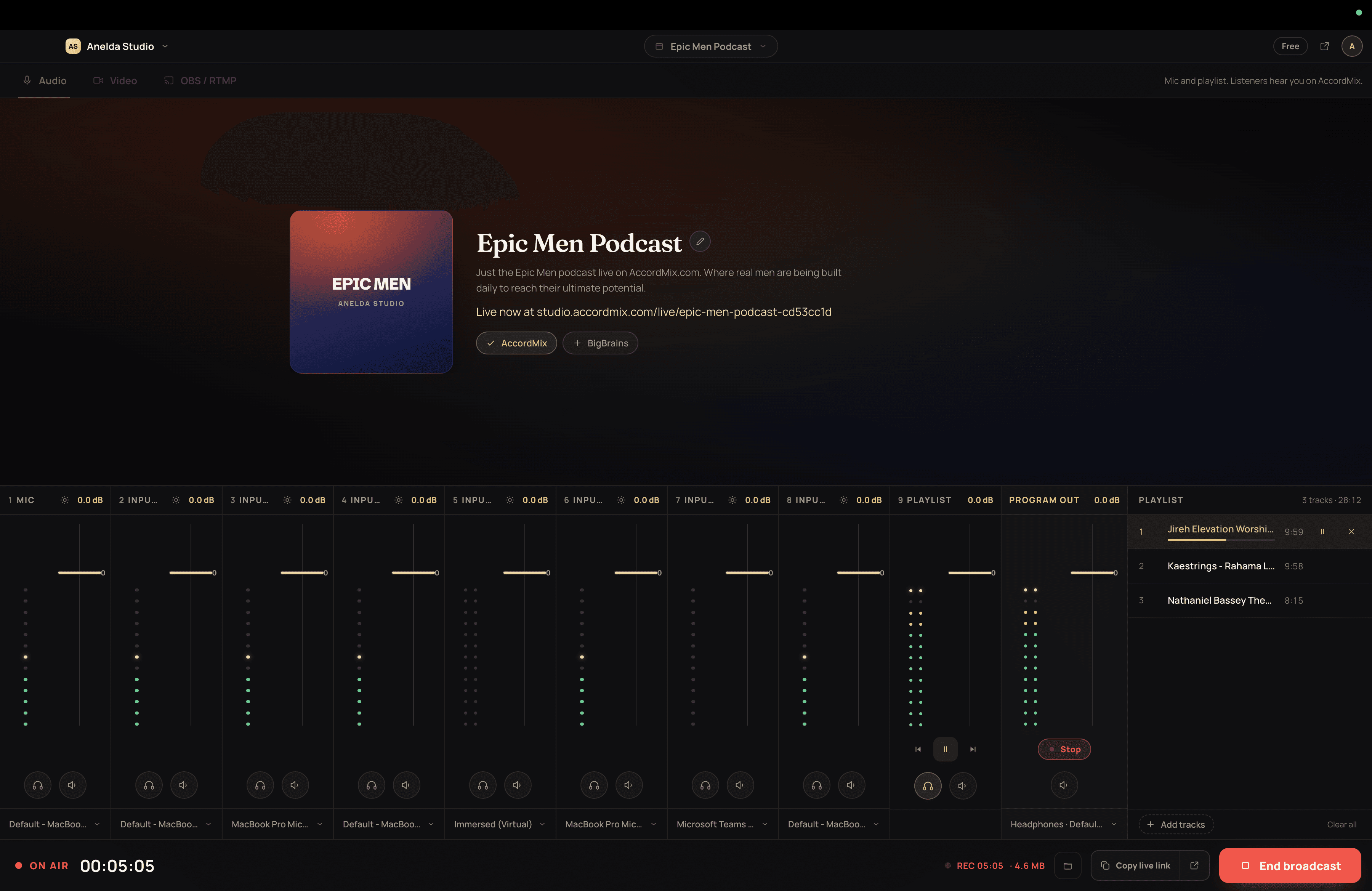
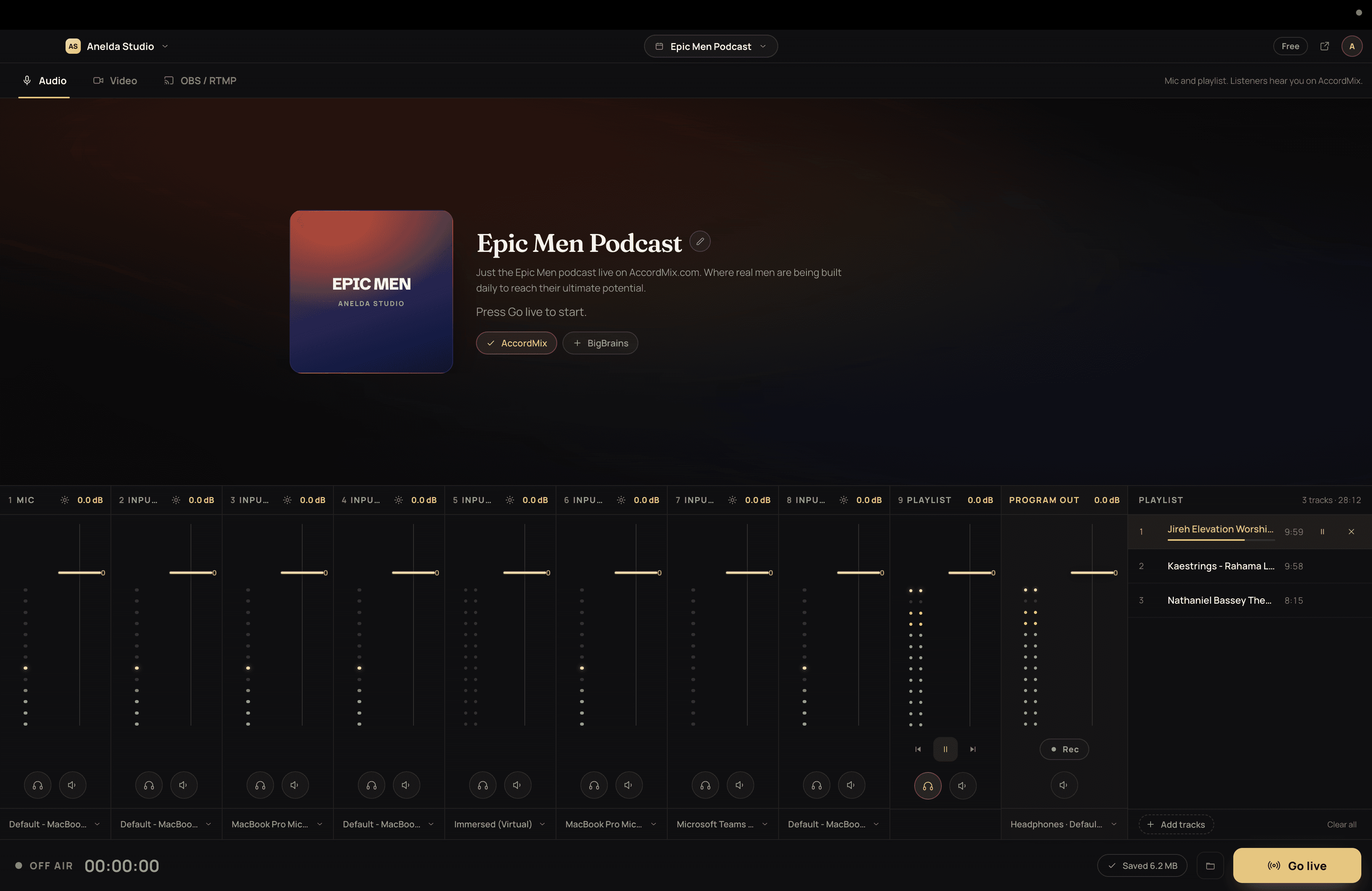
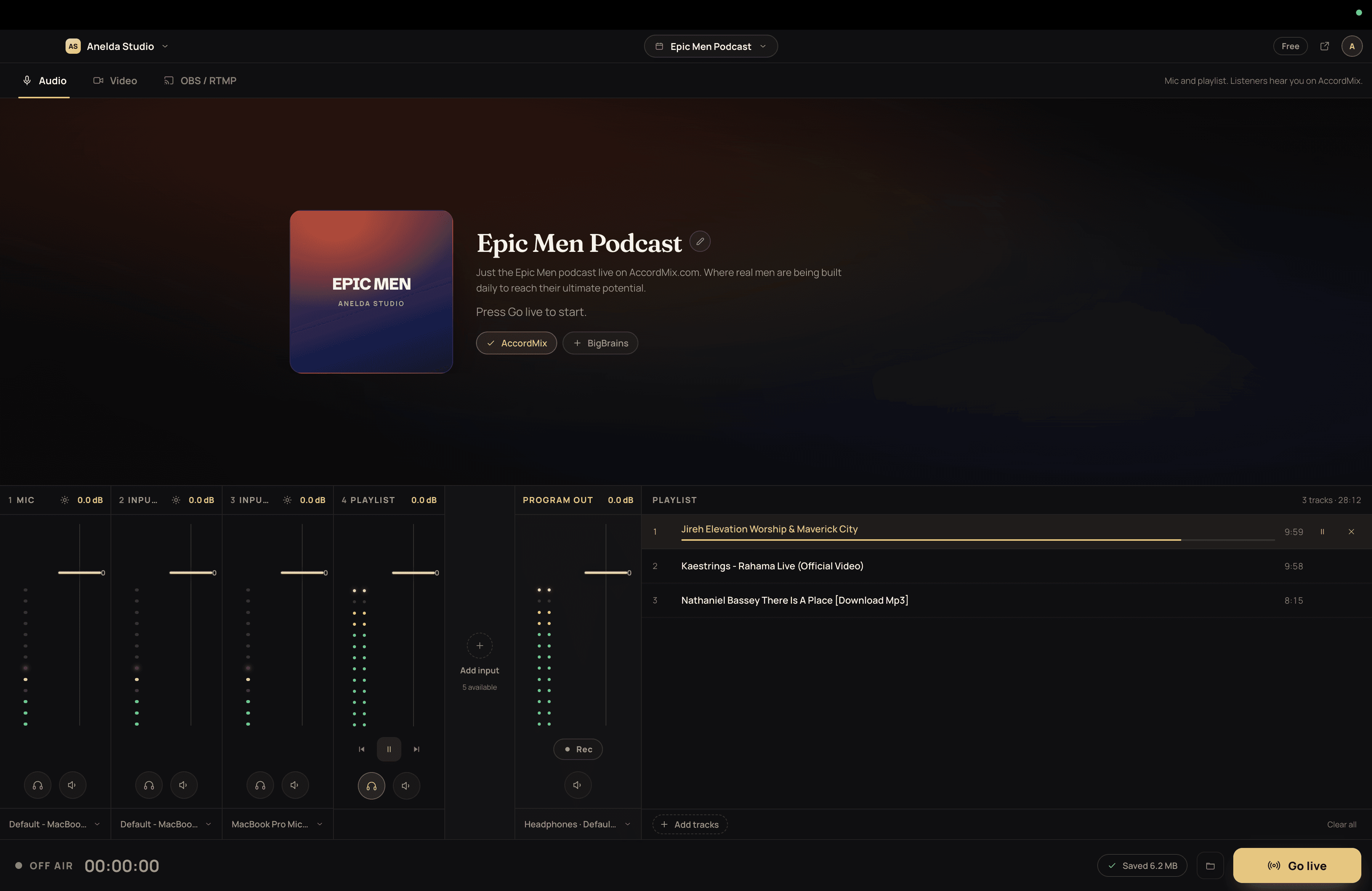
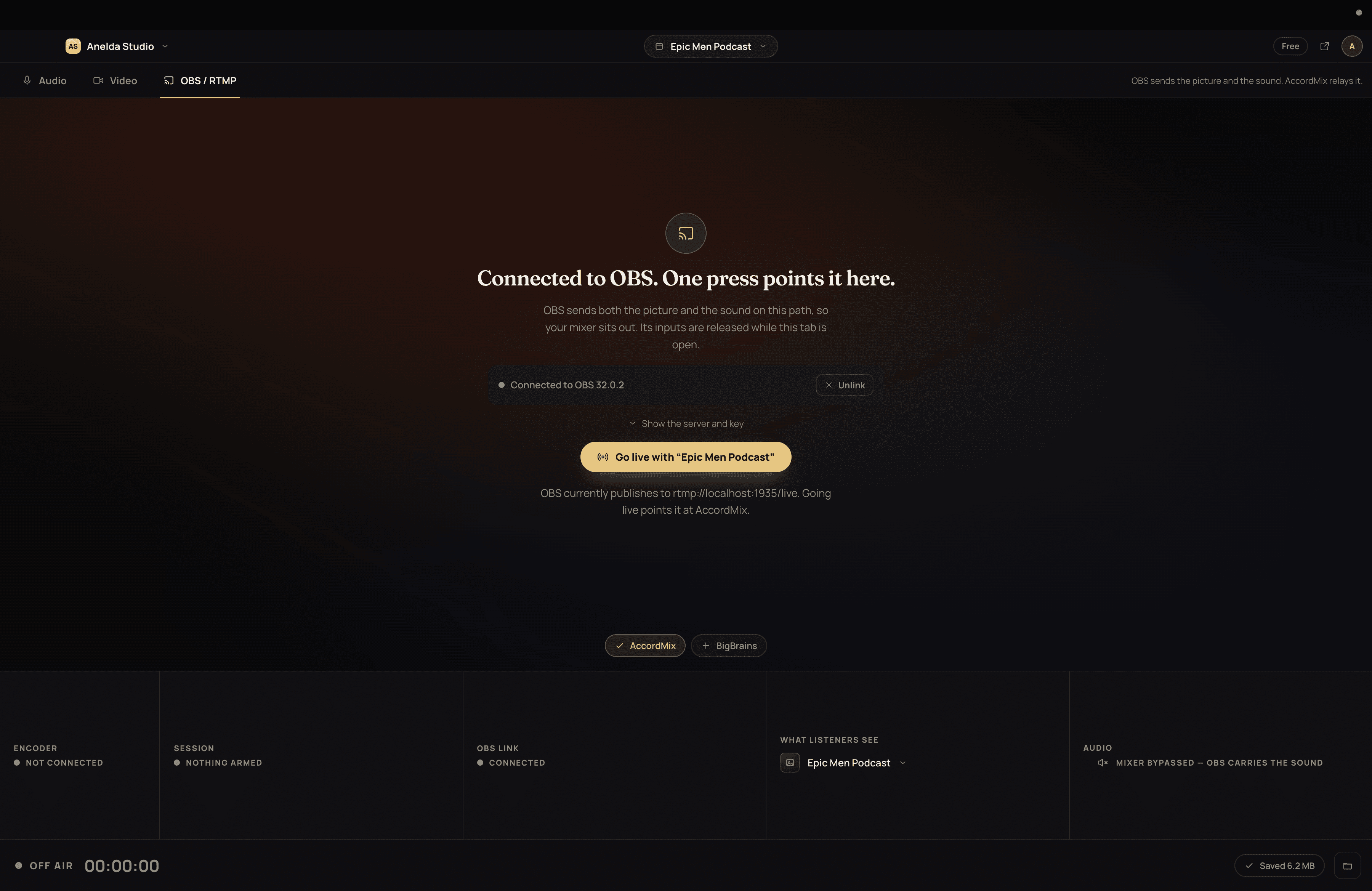
One feed in, everywhere out
- Inputs: microphones, a music bed, a camera or screen, and OBS.
- The desk: one feed with a fader on every input.
- AccordMix receives that single feed.
- Destinations: YouTube, Facebook and custom RTMP.
- Listeners: your station page and the listener app.
Everything it takes to go live. On your desk.
A mixer, a recorder, a way to reach every platform, and a place for people to listen. AccordMix is all of them, and you run it from one window.
A real mixer on your machine
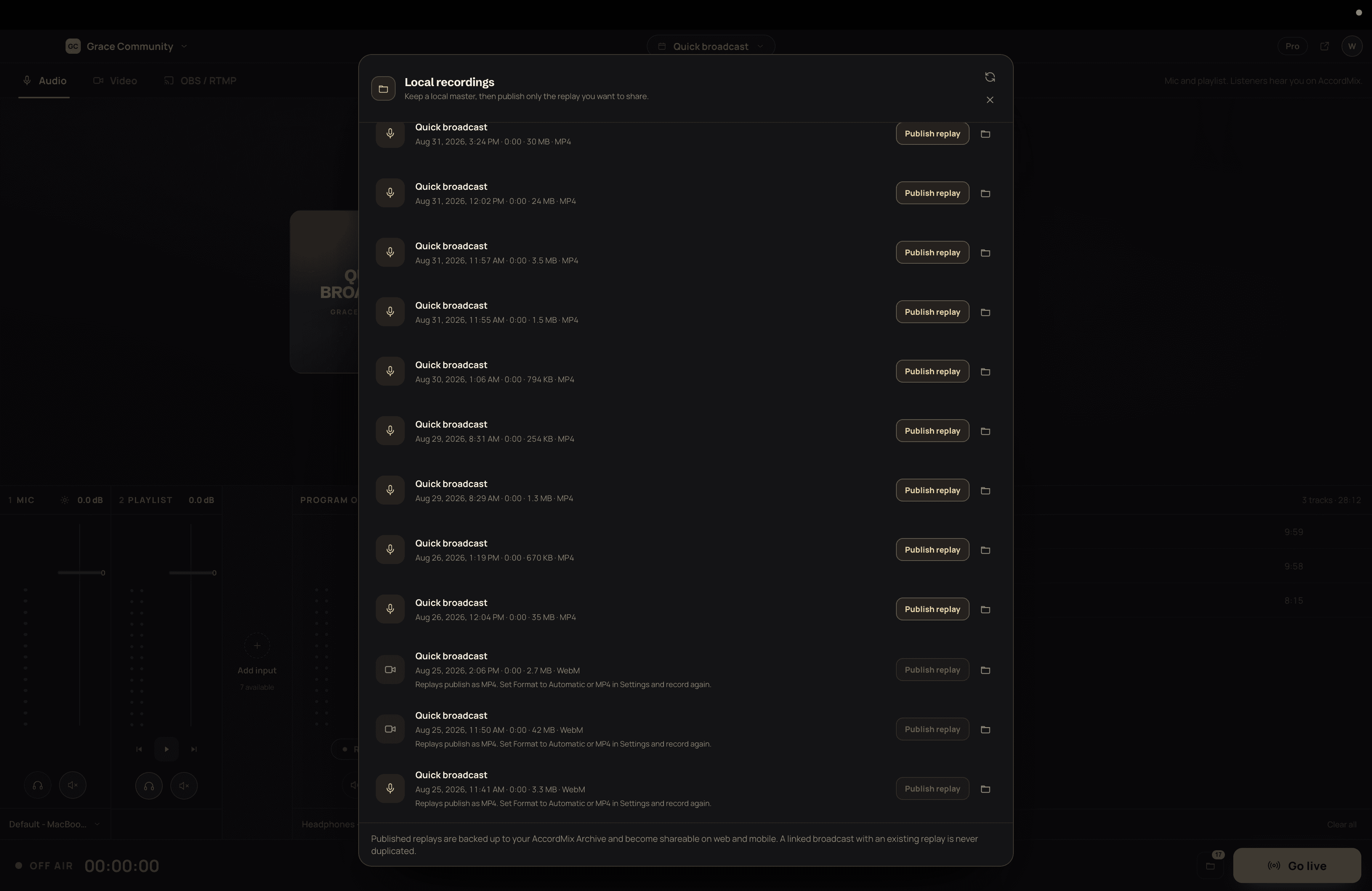
Up to eight named inputs mixed into one feed: mics, music under your voice, a second channel from your interface, whatever your room needs. Faders, meters, mute and cue on every one. Audio first, so the broadcast sounds right before it looks right.
Hear it before they do
Cue any source in your headphones before it goes to air, on a different output from the broadcast. What you check never leaks into what listeners hear.
Saved on your computer, whatever the internet does
Record your mix to your computer while you broadcast. It is saved every few seconds, so if the connection drops the recording keeps going. Publish it as a replay afterwards; if the upload is interrupted it picks up where it left off.
Point OBS here in one press
AccordMix connects to OBS, fills in your stream settings for you, and can start and stop OBS streaming from the desk. Prefer to set it up yourself? Your stream key never changes, so once is enough.
One feed, every destination
Send a single broadcast to YouTube, Facebook, and any custom RTMP destination at the same time, on the plan you choose. Connect YouTube once and AccordMix sets up the listing before every session.
A station people can follow
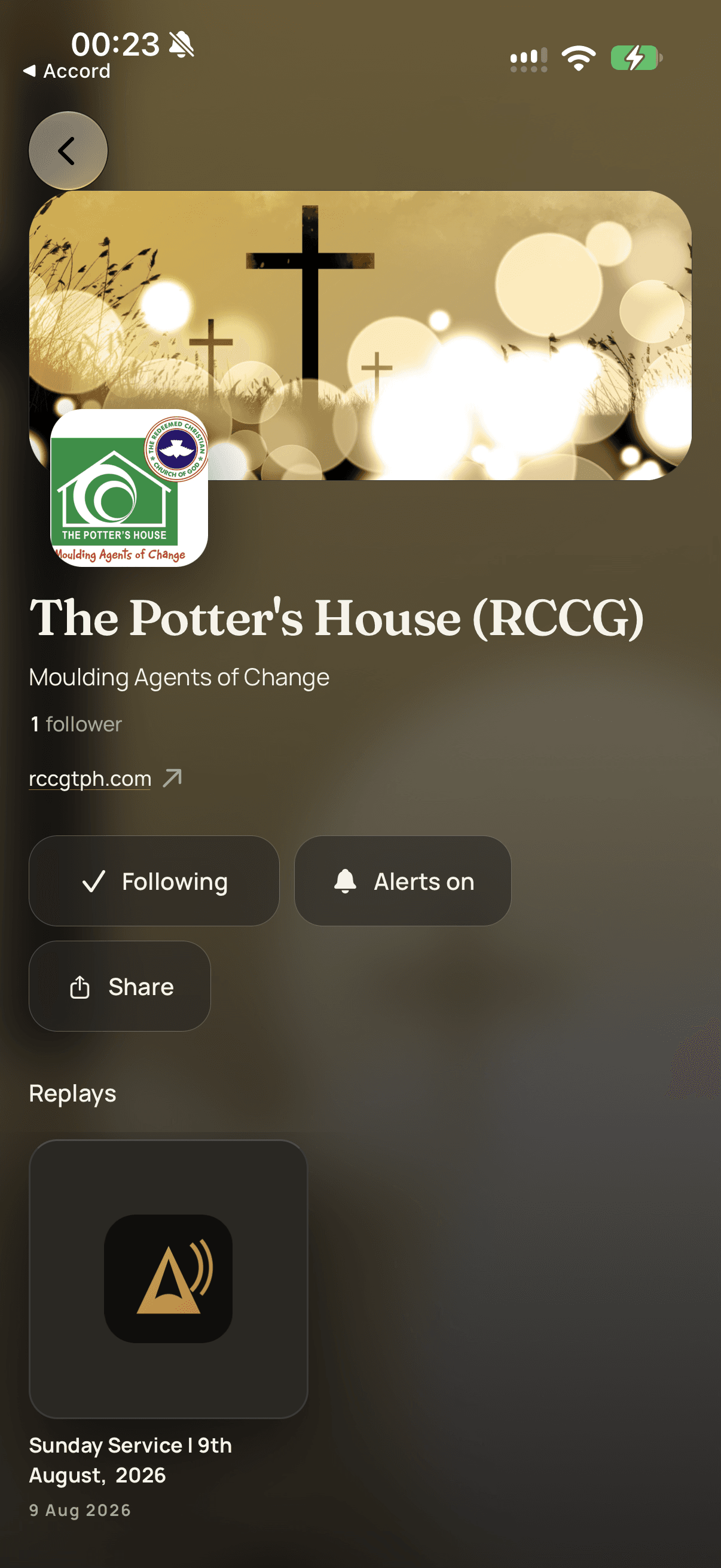
Your broadcasts get a public page in a shared listener network. People follow you, get a notification the moment you go live, and talk in chat while they listen. On the web today, and in the AccordMix listener app for iOS and Android when it arrives.
Or start in your browser
Same account, same destinations, same station. Open the web studio, pick a mic and camera, and go live with nothing to install.
One desk, three kinds of broadcast.
Whatever you are sending, it starts on your desk and ends on every platform and your own station page.
Live in three moves
- 01
Set up your desk
Install AccordMix and sign in with your AccordMix account. Add your mics, a music bed, a camera or a window, and cue each one in your headphones until it sounds right. Or open the web studio and pick a mic and camera there, or point OBS at your stream key.
- 02
Say where it goes
Name the session, choose your destinations, and let AccordMix fill in the YouTube listing. It checks the whole path first and tells you what would fail while you can still fix it.
- 03
Go live
One button. Your broadcast reaches every destination at once, your followers get the alert, and the replay is already being kept.
Coming to iOS and Android.
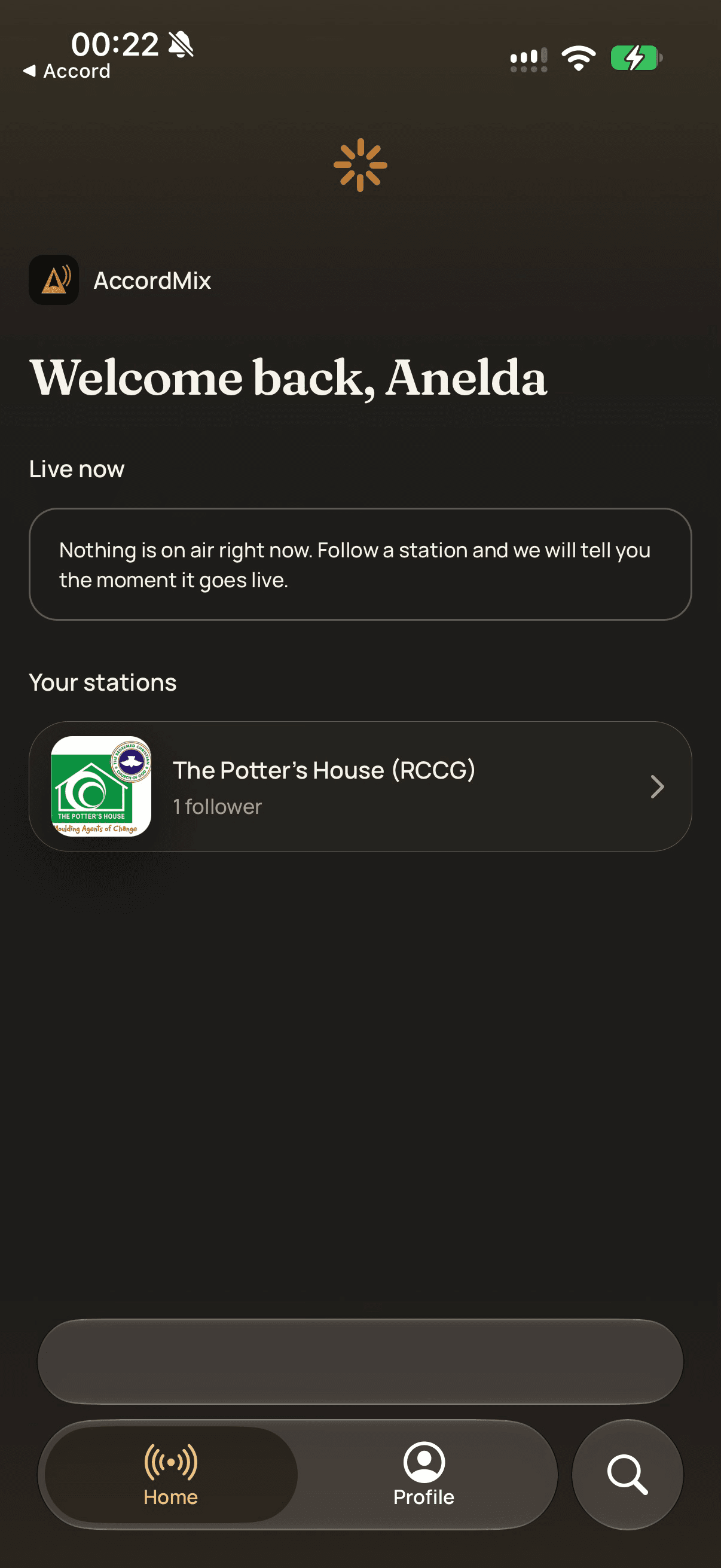
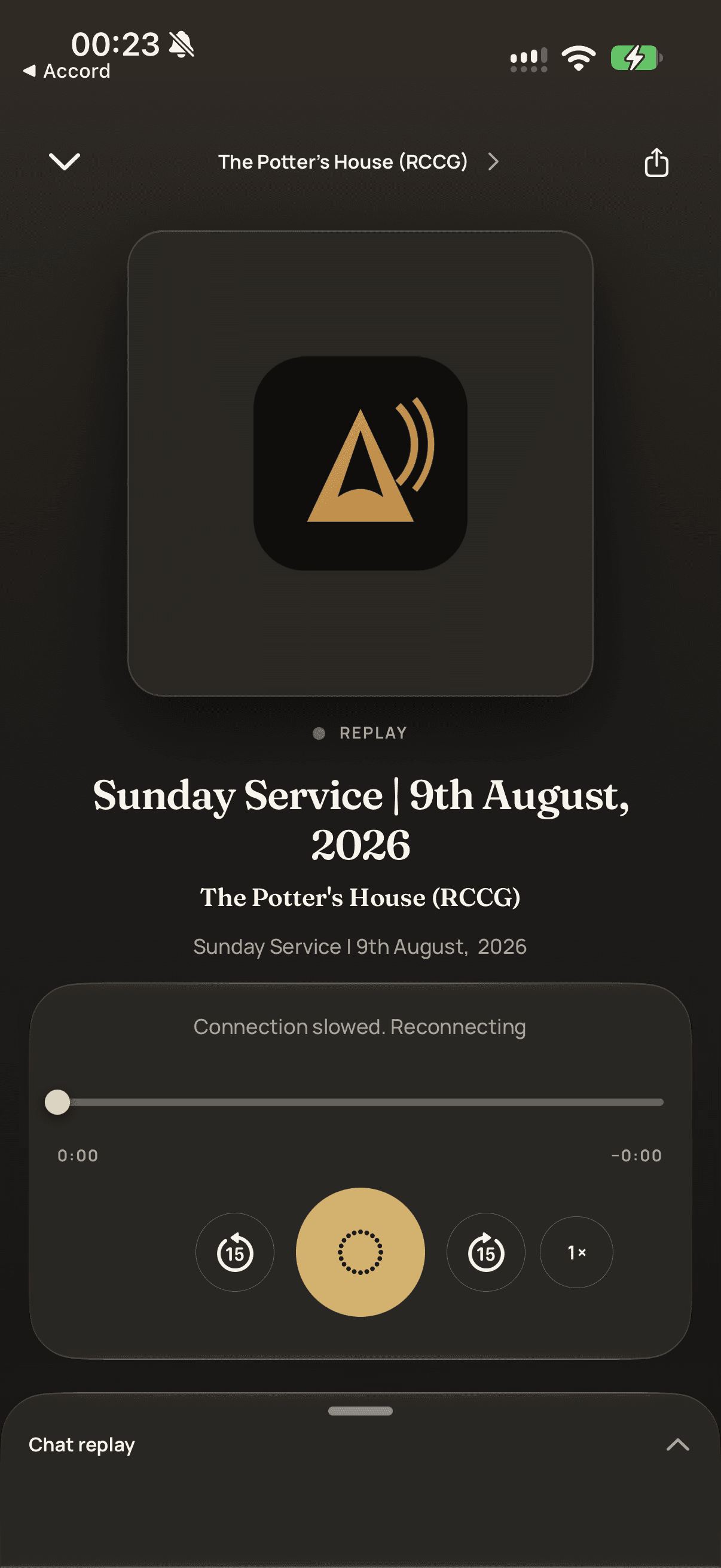
The AccordMix listener app plays your station in the background with lock screen controls, switches between audio and video, keeps replays where people left off, and sends a notification the moment you go live. It is built and being prepared for the stores.
- Background audio with lock screen controls
- Audio or video, one tap
- Replays that remember where you stopped
- Follow, alerts, and live chat
Today, listeners open your station in any browser at studio.accordmix.com/live/your-station and can follow, chat and listen there.
Start free. Scale everywhere.
Simple plans that grow with your audience, priced in your currency.
Free
Solo creators getting started
Everything you need to go live from your browser today.
- Saved destinations: 1
- Simultaneous destinations: 1
- Replay retention: 1 day
- Replay quality: Audio only
- Stream time: 2 hrs/session
Creator
Streamers, podcasters & churches
For creators building an audience on more than one platform.
- Saved destinations: 3
- Simultaneous destinations: 3
- Replay retention: 7 days
- Replay quality: Audio + video
- Stream time: Unlimited
Pro
High-volume broadcasters
For frequent broadcasters that need longer replay retention.
- Saved destinations: 3
- Simultaneous destinations: 2
- Replay retention: 30 days
- Replay quality: Audio + video
- Stream time: Unlimited
Business
Networks, agencies & enterprises
For networks and organizations that need custom scale.
- Saved destinations: Unlimited
- Simultaneous destinations: Unlimited
- Replay retention: 1 year
- Replay quality: Audio + video
- Stream time: Unlimited
Questions, answered
Yes. The app is free to download and works with every AccordMix plan, including Free. Destinations, stream time and replay retention follow your plan, the same as in the browser.
Your next broadcast starts on your desk.
Free to download for Mac and Windows. No credit card, no waiting on anyone to set it up for you.